2026
Quest 3: OOT
Ocarina of Time in VR, running standalone on a Quest 3. I took a PC-only VR mod, ported it to the headset, and pushed Hyrule Field from 8 fps to a locked 72.
- Goal
- Play Ocarina of Time in full VR on a Quest 3, no PC
- Role
- Port lead. Direction, VR design, playtesting, release
- Tools
- OpenXR, OpenGL ES, Android NDK, C++, Quest 3
- Timeline
- 2026, two days to v1.0
Results
- 8 to 72 fps
- Hyrule Field, the Quest's full refresh rate
- 4x less
- texture memory with on-device ASTC compression
- 73 builds
- each one tested in the headset
- Public
- open source on GitHub, v1.3 with a one-page install guide
Overview
Ship of Harkinian is a fan-made PC port of Ocarina of Time. ShinyWindow built a VR mod on top of it: first person, motion controls, the whole thing. It's fantastic, but it only runs on a Windows gaming PC wired to a headset.
I wanted it on the Quest 3 by itself. No PC, no cable, no streaming. Put the headset on and you're Link.
The Quest is basically a phone strapped to your face. Getting a PC renderer to run on it, then run fast on it, then install cleanly for someone who's never sideloaded anything, was the whole project.
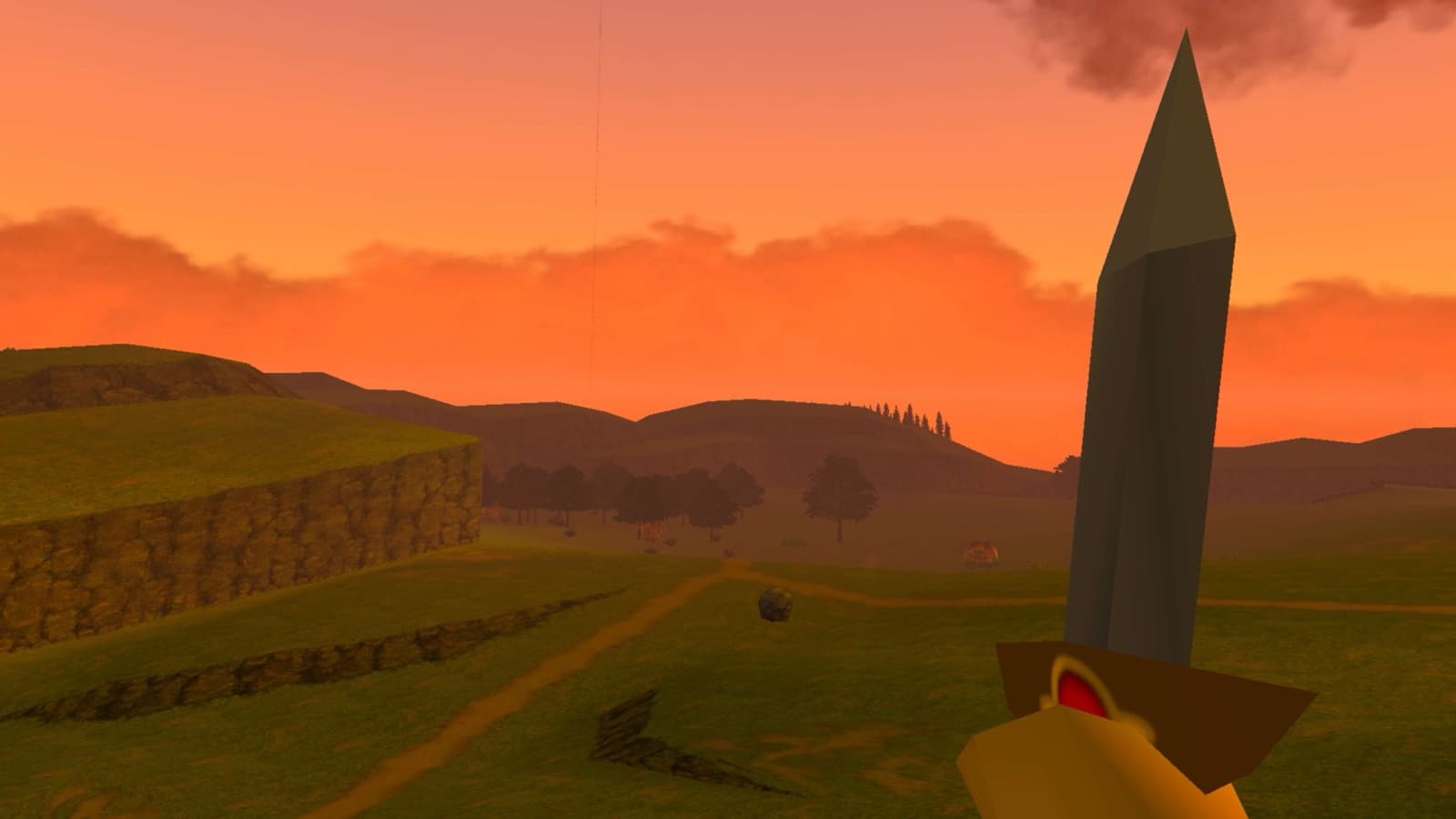
Getting it to run on Quest
- Swap PC graphics for mobile graphics. The VR mod used Direct3D 11 and OpenVR (SteamVR), which only exist on Windows. I ported the renderer to OpenXR, Meta's headset API, and OpenGL ES 3, running natively on the Quest's Android.
- Fix the missing scenery. The first build ran, but most of the world was gone. Link's house was just a skybox you could still bump into. Android on the Quest's ARM chip tags the top byte of memory pointers, and the renderer treated tagged pointers as invalid. Stripping the tag before the check brought everything back.
- Make first-time setup work in VR. The game builds itself from the player's ROM on first launch, and that step used Android pop-ups that never show up inside a headset. Now it searches the Quest for the ROM by itself, by content, not file name, and draws its own setup panel in VR if it can't find one.
- Stop the relaunch crash. Closing the game left its process alive. Reopening it started a second copy inside the first, which ran out of memory. The app now shuts down fully when you close it.
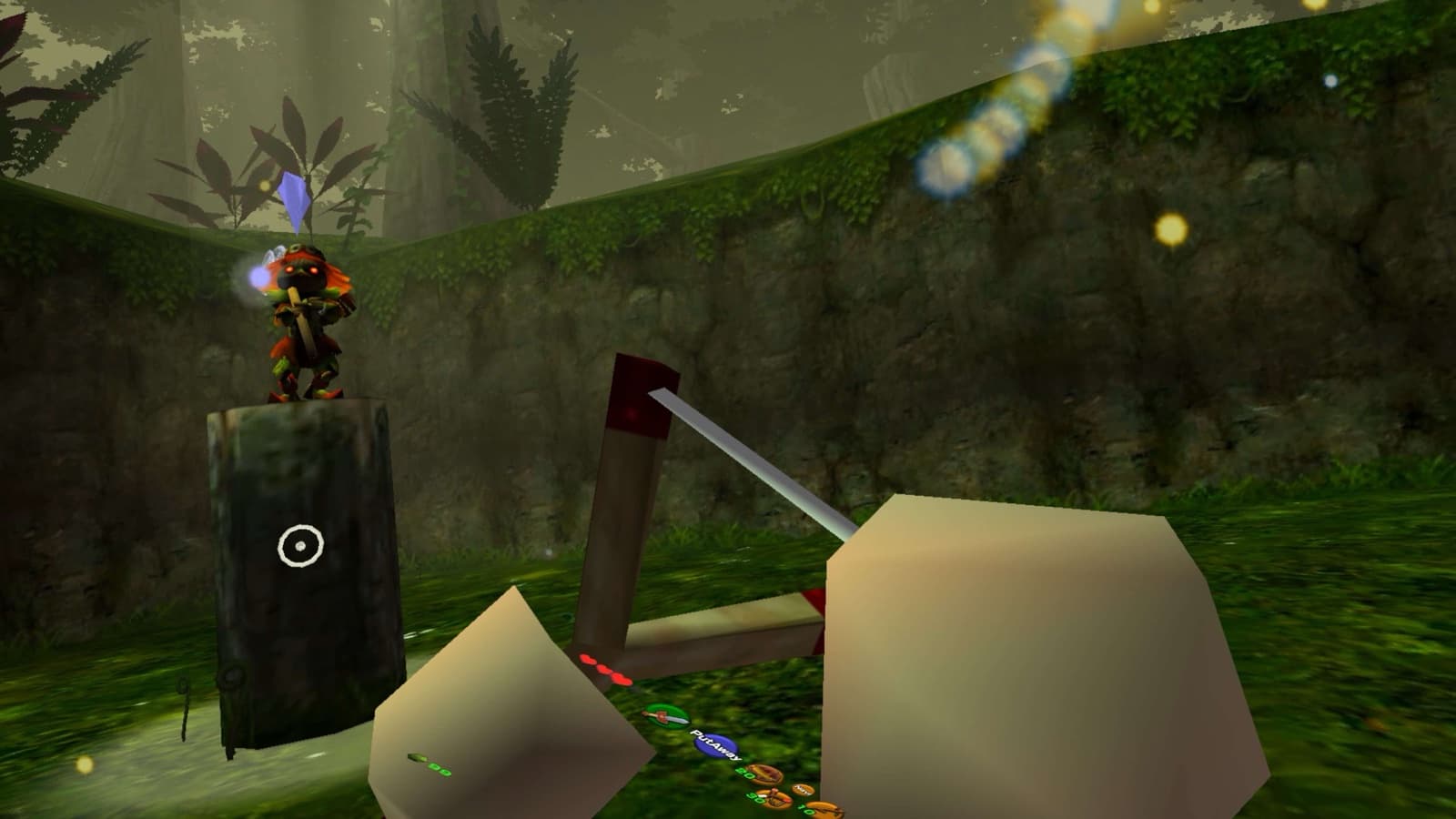
From 8 fps to 72 fps
I profiled every slow area on the headset and went after the biggest cost each time.
- Draw both eyes at once. Drawing each eye separately doubled the work. Single-pass stereo (GL_OVR_multiview2) draws the scene once for both. ~2x speedup
- Turn on compiler optimization. The renderer was compiled at -O0, the slow debug setting. Building it at -O2 was the biggest single win. ~3x speedup
- Cache resource lookups. The game searched its files for the same models hundreds of times a frame. It now remembers the answer. ~1.3x speedup
- Persistent vertex buffer. Every draw call asked the GPU driver for new memory. It now writes into one reusable, always-mapped buffer. ~1.15x speedup
- ASTC texture compression. HD texture packs get compressed to ASTC, the Quest GPU's native format. The game does it on the headset in the background, about three minutes, once. 4x less memory, faster loading
- Background texture loading. Spare CPU cores load an area's textures before you need them. No more freezes entering areas
- Cut redundant work. Skip re-sending GPU settings that didn't change, and do repeated math once instead of thousands of times. ~1.2x speedup
- Fix an upstream shader bug. One field of the key used to find each triangle's shader was never set, so lookups missed at random and forced a slow search. Zeroing the key fixed it on every platform. One slow search per triangle removed
- Silence debug logging. The build wrote up to 1,400 log lines a second during loads. Compiling out the detailed levels stopped it. No more log stalls while loading
- Skip a lock on every command. Each of the thousands of renderer commands per frame took a thread-safe lock just to find the renderer. A plain pointer does the same job. 2.3% of the game thread back
- Move setup off the main thread. First launch copied files on the UI thread for about 13 seconds and tripped Android's "not responding" warning. It now runs in the background. No more startup freeze
- Half-rate world redraw. In busy areas the world redraws every other frame and the headset reprojects the last image to your head in between. Head tracking stays perfectly smooth. ~2x headroom
The multipliers are rounded and overlap, so they don't multiply out exactly. The end result doesn't need rounding: Hyrule Field holds 72 fps, and the Quest even clocks itself down because it has power to spare.
Results
8 → 72 fps
Hyrule Field, from the first playable build to v1.3
2,133 → 534 MB
GPU memory for the HD texture pack after ASTC compression
Designing the UI
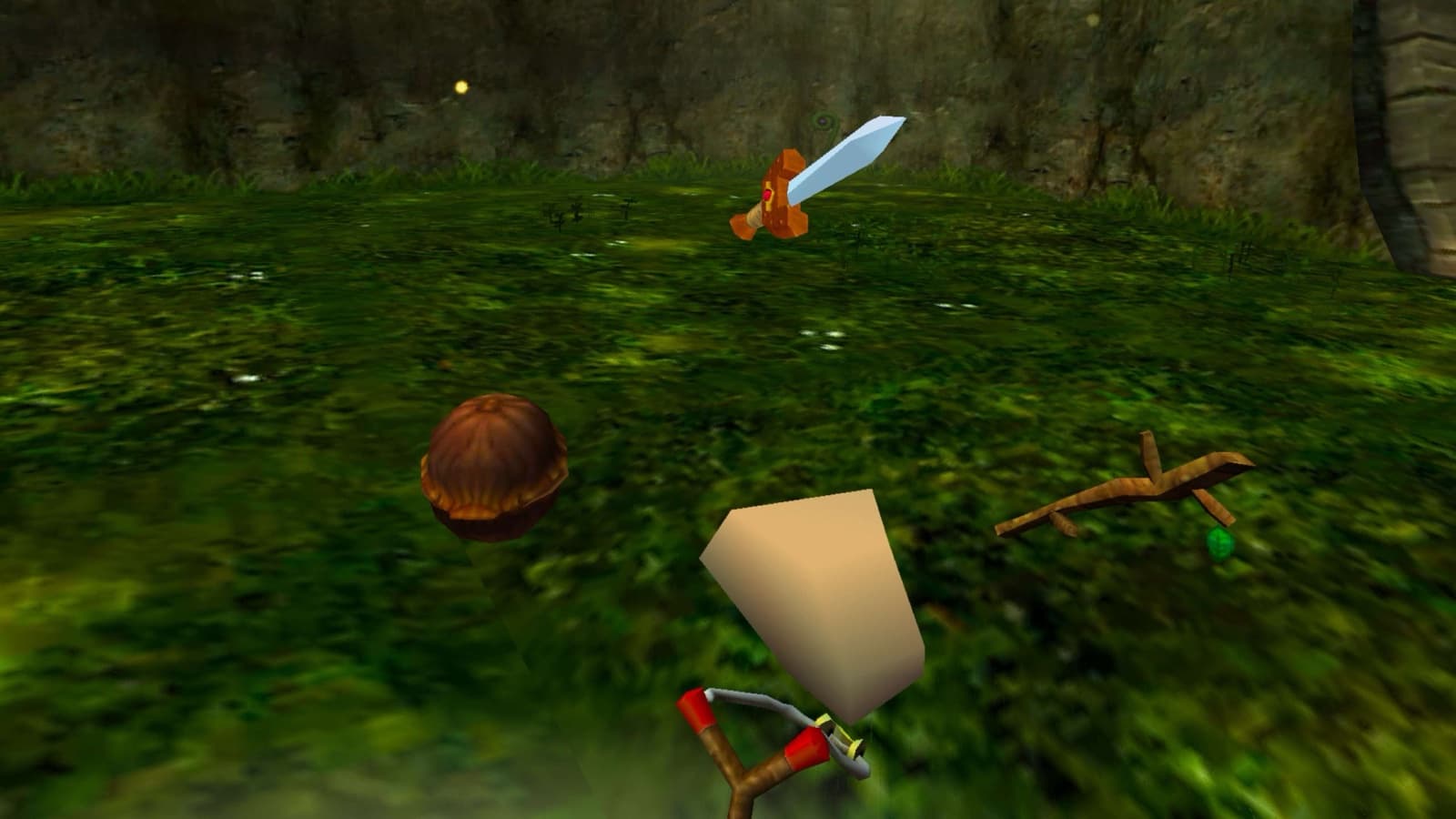
- A 3D item picker. Ship of Harkinian's flat item icons became a ring of small 3D models floating around your hand. Click the stick, flick toward the one you want, let go.
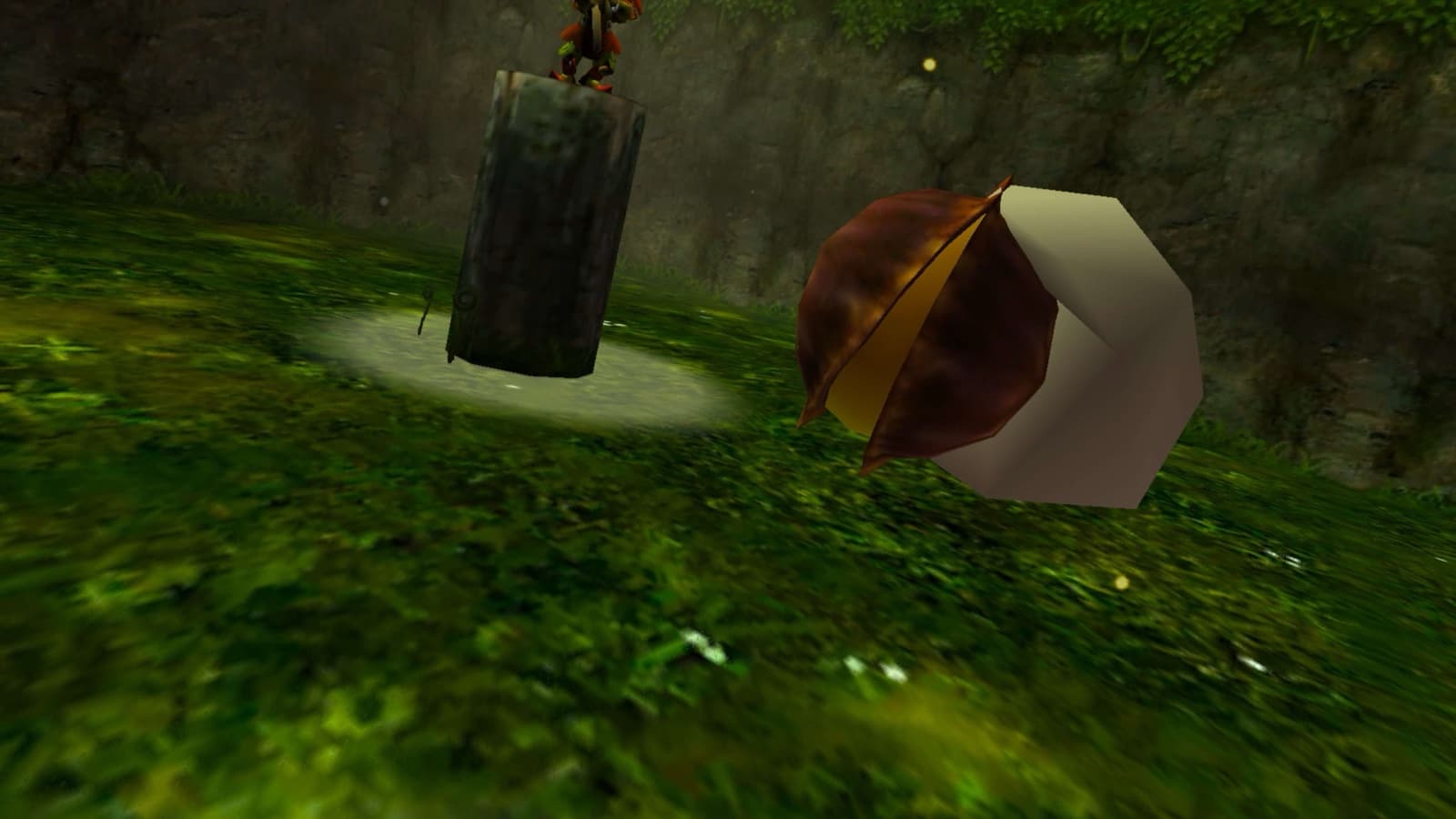
- 3D Deku Nuts. Nuts, bombs, Zelda's Letter, the Cucco and every trading item sit in your hand as real 3D objects. When you run out of nuts, the nut turns see-through instead of vanishing, so you still know where it lives.
- A slingshot reticle that finds enemies. A thin ring with a dot lands on whatever the shot will hit, enemy hitboxes included, not just walls and floors. It stays readable at any distance and sits behind anything in front of it, so you're aiming at the world, not at a crosshair.
Making it feel like VR
- Two-handed slingshot and bow. Bring your free hand to the string, pull, let go.
- Menus you can use in the headset. The full settings menu lives on a floating panel with a laser pointer. I stripped out everything that only made sense on a PC.
- Comfort. Smooth or snap turning, and scene changes fade your whole view instead of showing a flat TV screen fading out.
- Real 3D rooms. Places like Link's house are flat pre-rendered pictures in the original, so in VR they showed up as green backdrops. With Djipi's 3DS Experience pack they become real rooms you can stand in.
Making it installable
I forked the original projects, published my branch, and cut releases as it improved. v1.3 is the one to get.
Then I tested the instructions the way a new player would. I wiped the game, its data and the ROM off my headset and followed my own steps one at a time. Every place I got confused became a fix. The ROM search got smarter, the setup screen moved into VR, mods turned on by default, and the guide got a screenshot of exactly which download button to press.
Install is now four steps: turn on developer mode, install the app with SideQuest, copy your ROM onto the Quest, and play. The first launch takes a minute or two while it builds the game from your ROM. After that it just starts.
Role and collaborators
I led the port: the direction, the VR interaction design, every playtest, and the releases. I built it with Claude Code as my engineering partner. It wrote and profiled the code, and I decided what to build, tested each of the 73 builds in the headset, and called what shipped.
It stands on a lot of other people's work:
- HarbourMasters for Ship of Harkinian, the PC port of Ocarina of Time.
- ShinyWindow for Ship of Harkinian VR, the motion controls and VR renderer I ported.
- linkzenic for the Android port of Ship of Harkinian.
- Djipi for the 3DS Experience texture pack.
A fan project, not affiliated with Nintendo. You bring your own copy of the game.